Desktop App
The full Agentiqa experience — an Electron app with a built-in headed browser.
The Agentiqa desktop app is an Electron application with a built-in headed
browser. It has the complete capability set and lets you watch the agent drive
the browser in real time. It can test both public URLs and apps running on
localhost.
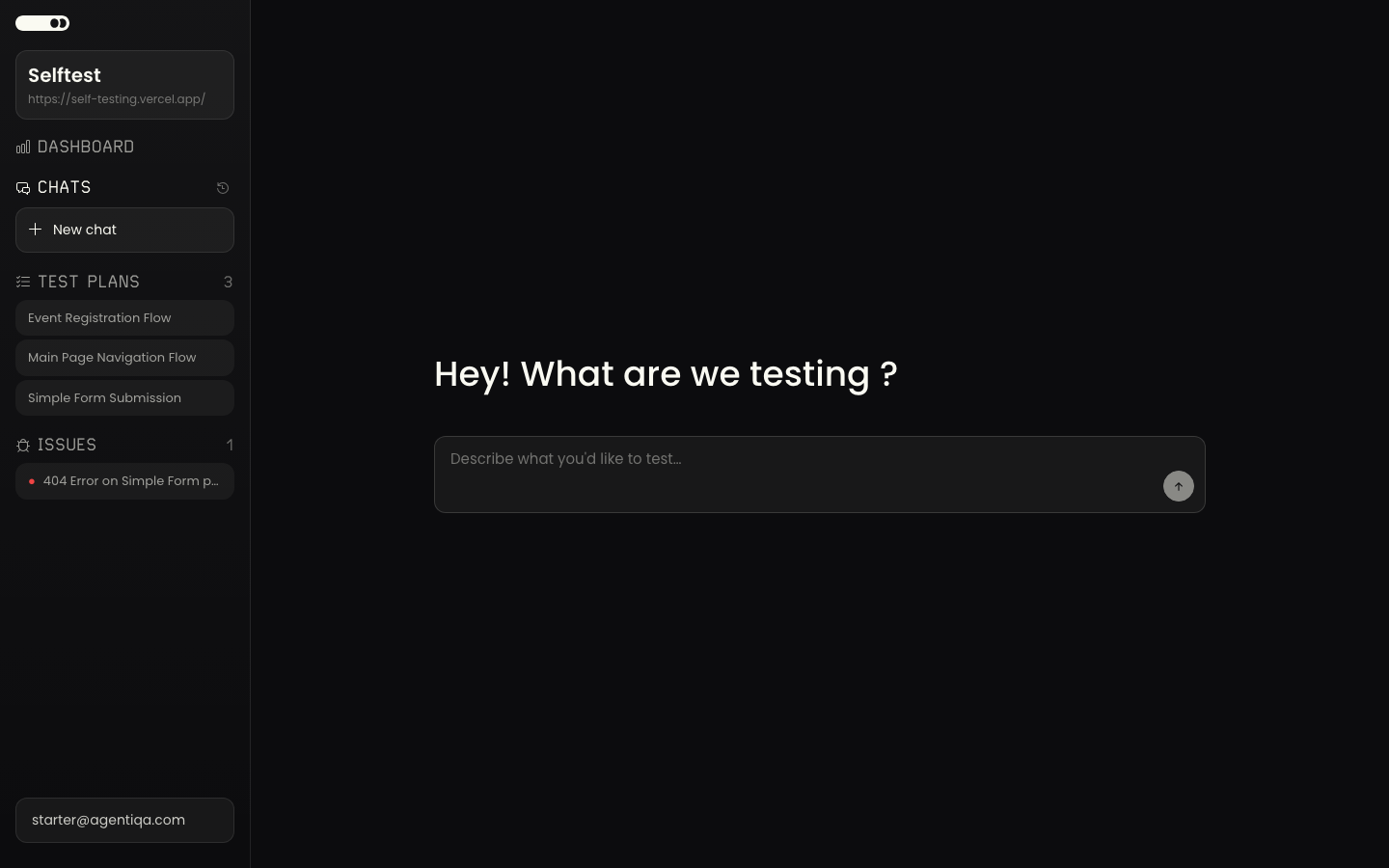
Install
The desktop app is distributed as a signed build for macOS (and other desktop platforms). Download the latest release from agentiqa.com, install it, and sign in with your account.
Releases are published to a manifest at releases.agentiqa.com; the app checks it
and shows an in-app update prompt when a newer build is available.
Your first test
- Create a project with your app's URL (a
http://localhost:…URL works here). - Ask the Assistant to test it. The built-in browser opens and the agent begins exploring.
- Curate the scope, plan, and findings checkpoints.
The feature set is shared with the web app — the feature guides apply to both surfaces.
Why desktop
The desktop app adds capabilities the browser SPA cannot provide because it runs locally: browser-extension / wallet (web3) testing, local file-system access, and native OS notifications. See Desktop vs Web for the full matrix.