CLI Service Keys
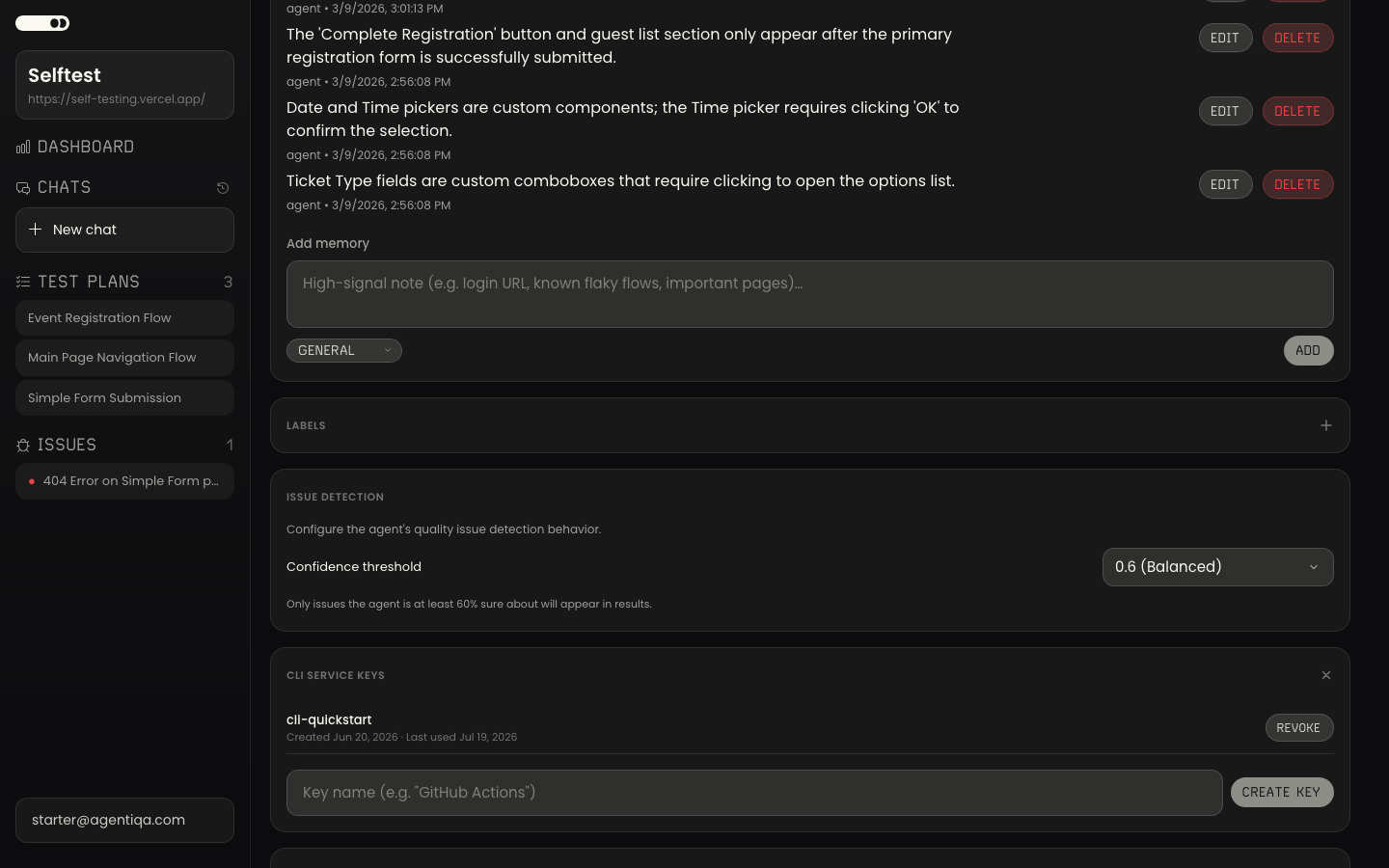
Project-scoped keys that authenticate the CLI and GitHub Action for unattended runs.
A CLI service key (sk_...) authenticates the CLI and the
GitHub Action without an interactive login. It is
project-scoped — agentiqa run operates on that project's plans — and can be
revoked at any time.
Create a key
- Open Project Settings → CLI Service Keys.
- Create Key, give it a name (e.g.
GitHub Actions), and copy the rawsk_...value immediately — it is shown only once.
The settings screen also shows the exact agentiqa run command to copy for that
project.
Use the key
Pass it via the AGENTIQA_SERVICE_KEY environment variable — never inline it:
AGENTIQA_SERVICE_KEY=sk_... npx -y agentiqa@latest run --engine https://engine.agentiqa.comIn CI, store it as a repository secret named AGENTIQA_SERVICE_KEY and reference
it from the workflow. The service key alone authenticates the hosted engine (a
short-lived engine credential is minted automatically) — no separate engine token
is needed.
Run a labeled subset per pipeline
A service key authenticates the run; a label selector scopes it. Together they let one project serve several pipelines — each running just its subset. A key runs all the project's plans unless you add a selector:
# Fast PR gate: only the plans tagged `smoke`
AGENTIQA_SERVICE_KEY=sk_... npx -y agentiqa@latest run \
  --engine https://engine.agentiqa.com \
  --label-ids lbl_2b7f0e

# Nightly: no selector → every plan in the key's project
AGENTIQA_SERVICE_KEY=sk_... npx -y agentiqa@latest run \
  --engine https://engine.agentiqa.com --mode parallel
The labels must belong to the key's project. The app's Run from CLI dialog composes the whole command (label ids and all) for you — see Labels.
Security
- Treat the key like a password. Pass it from a secret, never commit it.
- The key is scoped to a single project. Revoke and re-create it from the same settings screen if it leaks.