Test Plans
Saved, replayable test plans — today's exploratory findings become tomorrow's regression suite.
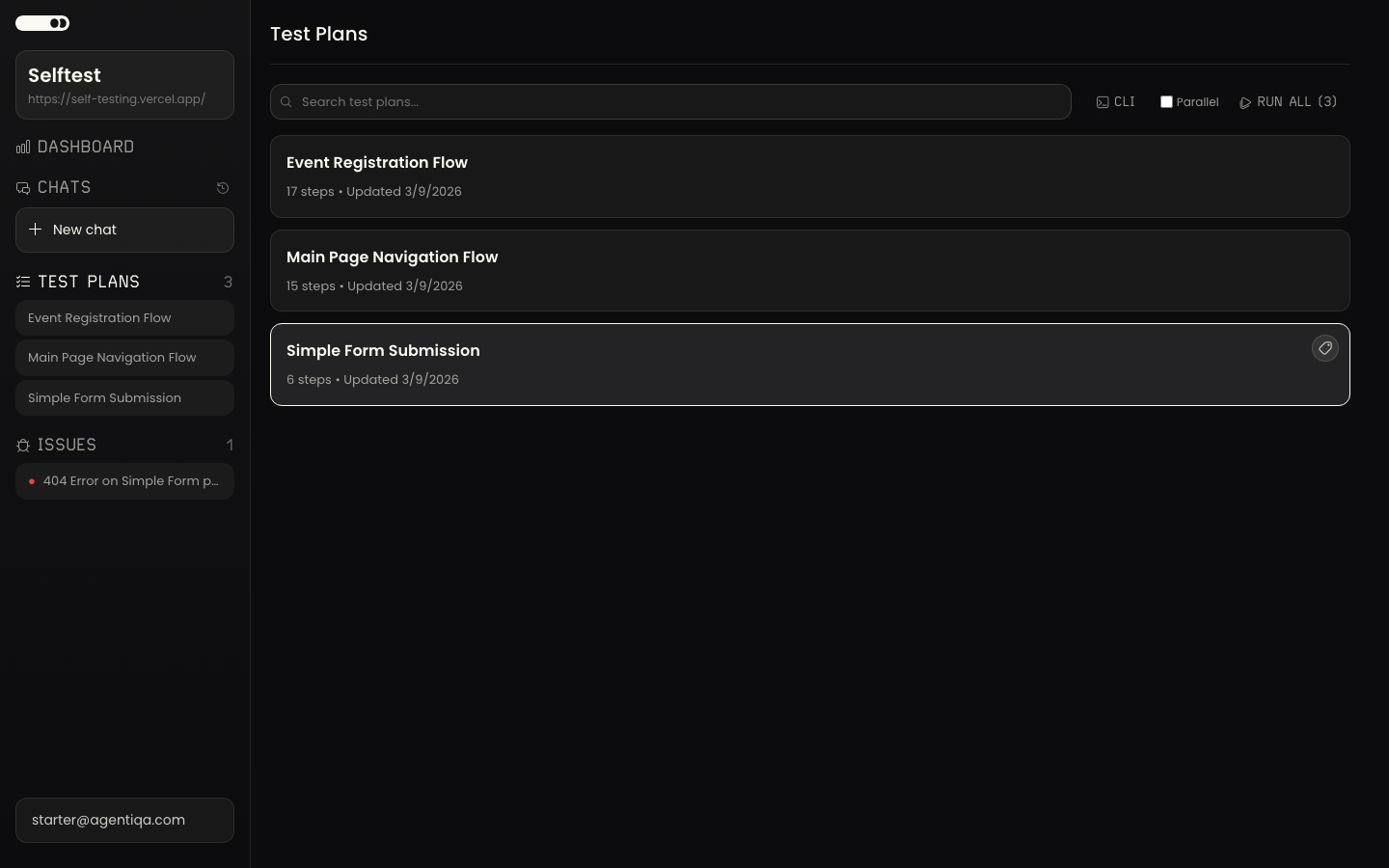
A test plan is a saved, replayable definition of something to verify. Plans are the deterministic counterpart to the exploratory Assistant: running one produces per-step pass/fail against defined criteria, so the same check can be repeated over time.
Where plans come from
Plans are created from real interaction — typically saved out of an exploratory session's findings, so they reflect UI the agent actually saw (not hallucinated steps). You can also edit a plan's steps directly.
Running plans
- In the app — run a plan from the project and watch it execute; results land in Runs.
- Regression — run all saved plans in parallel (each gets its own browser) to check nothing broke. For each failure the agent classifies the cause: a real bug (behavior changed), a stale plan (the UI changed but the functionality is intact — the plan needs updating), or a flake (timing/intermittent).
- In CI — run plans headless with the CLI
runcommand or the GitHub Action. Select plans by id (--plan-id) or by label (--label-ids), sequentially or in parallel.
Selecting plans in automation
agentiqa run with no selector runs all non-deleted plans in the project. Use
--plan-id for one plan, or --label-ids a,b to run every plan tagged with any of
those labels. Group plans with Labels to run a named subset
(e.g. smoke) per pipeline; see the CLI reference for every
flag.